Buying a Permit Online Before You Drive
Buying a Hatfield-McCoy trail permit online can save time at the trailhead, but completing a checkout is only one part of getting ready to ride. Before you leave, make sure the permit matches your machine and destination, understand how you’ll receive the required permit materials, and confirm the trails are open.
Before you buy a permit online
First, confirm that the permit you’re shopping for covers the trails you plan to ride. A permit for one trail system or network should not be assumed to grant access to another. If you’re combining destinations, check the permit requirements for each one before purchasing. Spearhead Trails Versus Hatfield-McCoy Permits explains why permits for nearby systems are not automatically interchangeable.
Also check the current permit instructions for the dates you intend to ride. Permit availability, sales channels, and fulfillment procedures can change. Start with the official permit seller or trail authority, and use Where to Buy a Hatfield-McCoy Trail Permit to understand the kinds of authorized purchase options to look for. If you’re purchasing through Trailsheaven, use the seller’s current directions and read the details shown during checkout.
Before entering payment details, gather the information the seller asks for. Depending on the process, you may need to choose a permit type, identify the machine, or provide purchaser and contact details. Have the machine’s identifying information available rather than guessing. If you’re unsure where to find its VIN, see Finding the VIN Stamp on an ATV Frame.
A few checks can help you avoid buying the wrong permit:
- Confirm the riding destination. Make sure the permit is intended for the specific trail system or access program on your itinerary.
- Check how many machines need permits. Don’t assume one purchase covers a whole group. Review the seller’s current rules for each machine, including West Virginia Trail Permits for a Second Machine.
- Ask about passengers separately. Whether passengers need a permit is a separate question from whether the vehicle does. Check the current permit rules rather than inferring the answer from the driver’s purchase.
- Check the date and validity period. Confirm that the permit will be valid for the day or days you plan to ride. If you’re buying well ahead, verify that your chosen dates fall within its validity.
- Review the delivery or pickup method. Find out whether the seller provides a printable document, a physical sticker, pickup instructions, or another form of permit material. A checkout confirmation may not be the same thing as a completed permit you can display on the machine.
- Check your machine’s eligibility. If you’re unsure whether your vehicle or riding situation qualifies, verify it before paying. An out-of-state title or registration does not, by itself, answer every question about trail access; [Do Out-of-State Riders Need a West Virginia Title?] covers the separate title issue.
If your itinerary includes more than one managed trail network, confirm the rules for each one. A Hatfield-McCoy permit should not be treated as a general West Virginia off-road pass, nor should a permit for one destination be assumed to cover nearby trails. For a side-by-side trip, check machine-width limits and access rules as well as the permit itself.
How to complete an online purchase
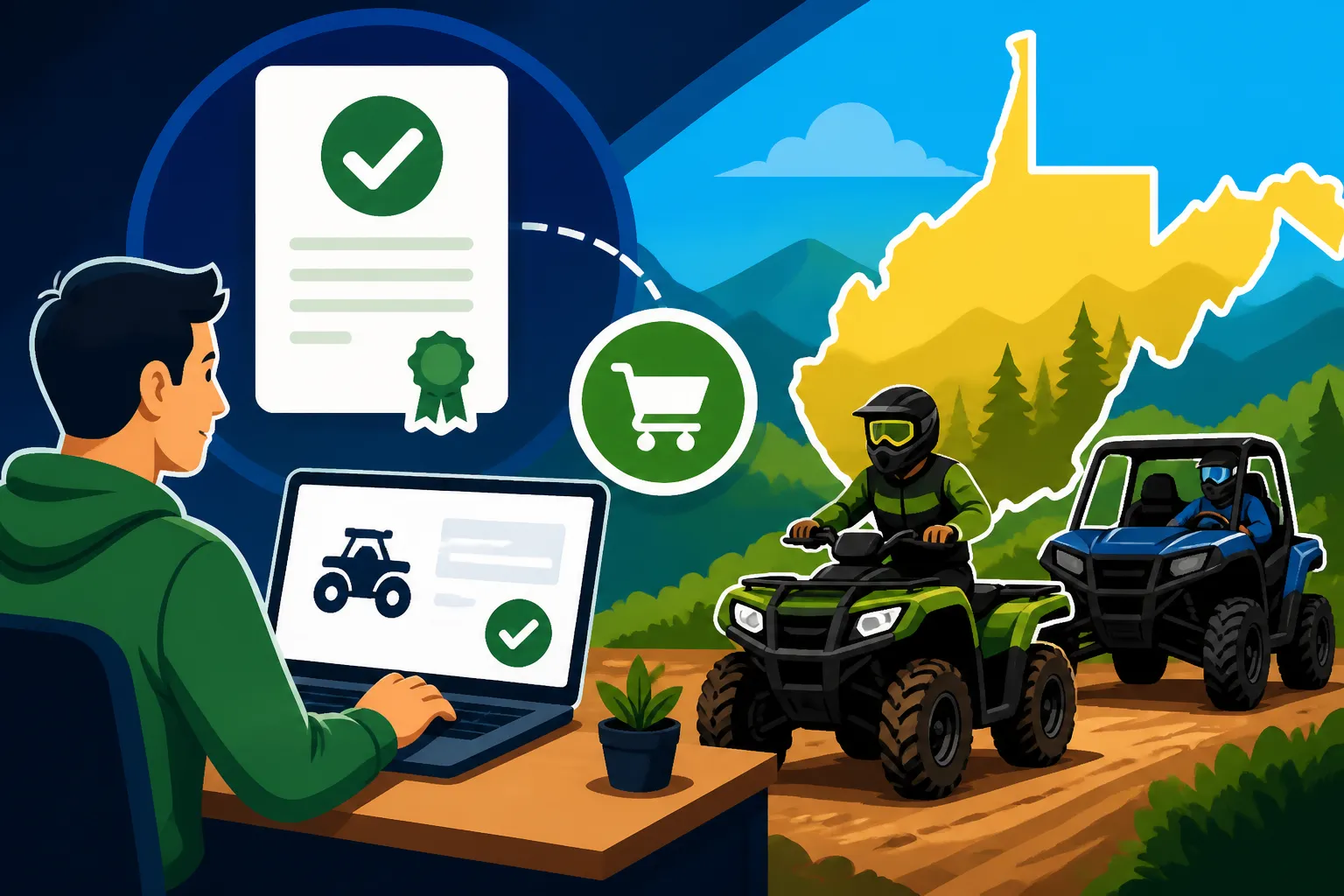
The exact website steps can vary, so follow the current instructions on the seller’s page. The general process is straightforward: identify the correct permit, provide the requested information, review the order, and keep proof of the transaction. You can use Buying a Permit Online at Trailsheaven for information specific to that online route.
- Choose the correct destination and permit. Read the permit description carefully. Check that it applies to your planned trail system and intended riding dates.
- Enter the requested details accurately. Use the purchaser and machine information the seller asks for. Check names, contact details, and any vehicle identifiers before moving on.
- Review the order before paying. Verify the permit quantity, machine or rider information if applicable, destination, dates, and total shown by the seller. For current costs and any additional charges, rely on the seller’s checkout page rather than an old estimate.
- Complete checkout through the authorized seller. Avoid third-party listings or unofficial resale offers unless the trail authority specifically identifies that seller as authorized.
- Read the confirmation and fulfillment directions. Look for instructions on printing, collecting, receiving, and displaying the permit. Note any deadlines or extra steps.
- Save the records. Keep the confirmation email or receipt and any permit document somewhere accessible offline. If the seller provides a printable document, print it when instructed and bring it with you.
- Complete any remaining permit steps before riding. If the instructions require a physical sticker or another item to be picked up, delivered, or attached to the machine, arrange that before entering the trails.
Take a moment to compare your confirmation with what you intended to buy. If a detail is wrong, contact the seller or trail authority promptly. Don’t assume you can transfer a permit, change the machine, or correct an order at the trailhead; those options depend on current policy.
After checkout: prepare for the trailhead
Online purchase is most useful when it leaves you ready to ride, not when it creates another question to solve in the parking area. Check the fulfillment instructions as soon as the confirmation arrives. If a sticker must be mounted on the machine, follow the stated placement directions; Mounting a Hatfield-McCoy Permit Sticker covers that specific step.
Do not rely on a phone screenshot as a substitute for a physical permit item if the seller’s instructions require one. Conversely, don’t print or attach extra paperwork unless the seller says to. The important thing is to follow the current requirements and carry any proof or documents the instructions call for.
Use this checklist before loading up:
| Check | What to confirm |
|---|---|
| Destination | The permit matches the trail system you plan to ride |
| Machine | The permit quantity and any vehicle details are correct |
| Dates | The permit is valid for your intended ride |
| Fulfillment | You know whether to print, pick up, receive, or attach anything |
| Proof | You have saved the confirmation and any required permit document |
| Display | Required stickers or other permit materials are prepared as directed |
| Trail access | The trails are open and your machine is allowed on your planned routes |
| Other requirements | You have checked safety, age, and equipment rules that apply to your group |
Check trail status shortly before departure, even if the permit is already purchased. Closures, temporary restrictions, or route changes can affect your plans. Use Checking West Virginia Trail Status Before You Drive to make that check part of your preparation rather than relying on an old map or a previous visit.
A permit is permission to use the specified trail system under its rules. It does not automatically provide permission to ride on public roads, private property, or other trail networks, and it does not replace machine paperwork or required safety measures. For a clearer distinction, see What a Trail Permit Does Not Cover. Keep your title and other ownership documents separate from trail-permit materials, and check applicable rules for your machine and riding location.
Common online-purchase problems to prevent
The wrong trail system was selected. Similar names or nearby trailheads can lead to confusion. Recheck the destination shown in your order and compare it with your planned starting point. If your trip crosses into another managed system, verify whether a separate permit is needed.
A group assumes one order covers every machine. A single checkout may let you purchase several permits, but that does not mean one permit covers multiple vehicles. Confirm the current rule for each machine and make sure the number ordered matches the number you intend to ride.
The confirmation is mistaken for the permit itself. An email can prove that you placed an order without necessarily satisfying every display or pickup requirement. Read the fulfillment directions and finish all required steps before riding. If the instructions are unclear, contact the seller rather than guessing.
The permit was bought too early or for the wrong dates. Before paying, confirm the validity period and the dates selected. If your plans change after purchase, ask the seller about its current change, refund, or transfer rules. Don’t assume that one option is available.
A rider expects the permit to cover other legal requirements. Trail access and road use are different matters. The permit does not automatically make an ATV or UTV street legal, establish ownership, or authorize riding wherever a route appears on a map. Check separate requirements for each type of use.
The rider plans to sort out paperwork on arrival. Trailhead services and opening hours can vary, and an online order may have a specific pickup or display process. Confirm what you need in advance, save contact information for the seller, and allow time to resolve an order problem before the ride begins.
If you notice an error, don’t alter a sticker or document yourself. Contact the seller or trail authority and follow its correction procedure. Keep any relevant confirmation until the issue is settled.
Buying online can make arrival smoother when you verify the destination, machine count, dates, and fulfillment steps before paying. The final check is simple: have the required permit materials ready, confirm the trail system is open, and make sure the rest of your ride meets that system’s rules.
Disclaimer
This article is for general informational purposes only and does not constitute professional advice. Laws, prices and regulations vary by location and change over time. Consult a qualified professional for guidance on your specific situation.